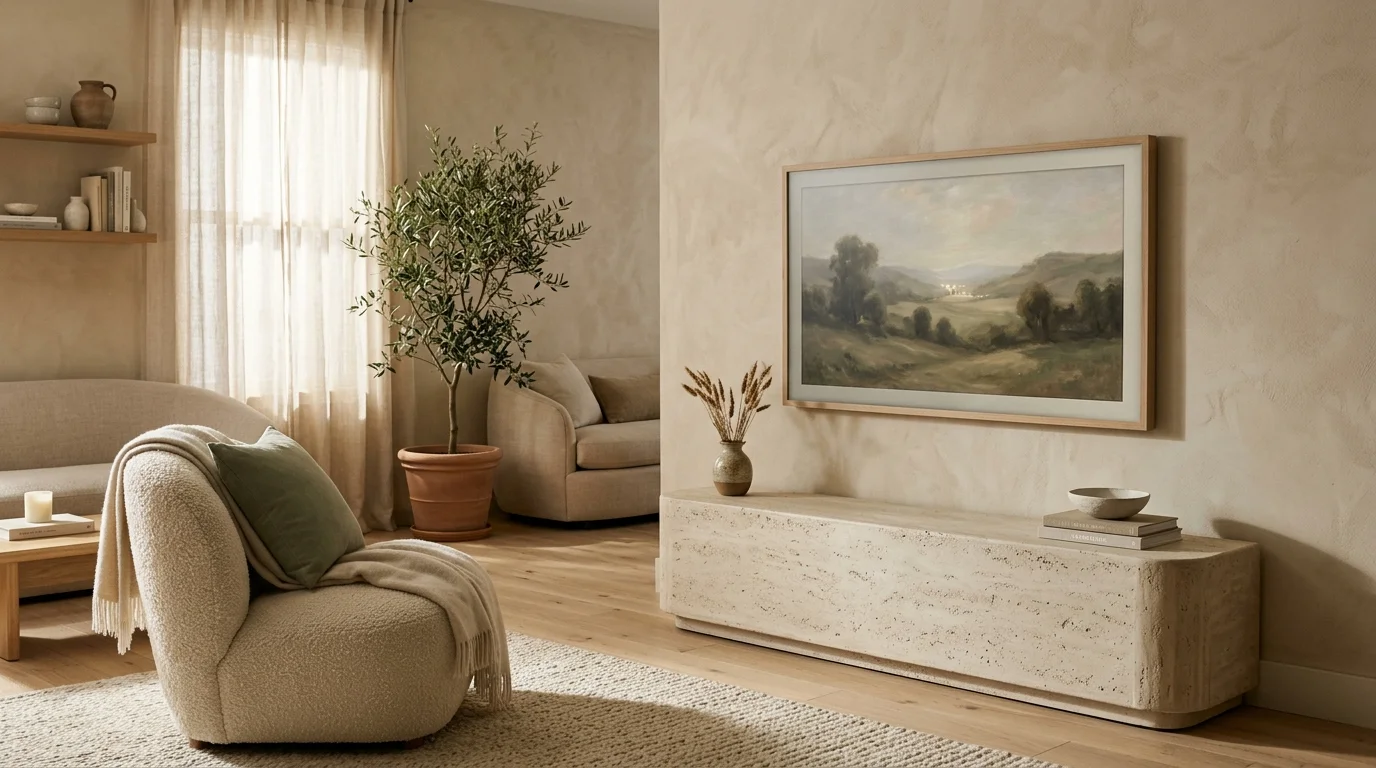
Positioning your television improperly instantly sabotages your home’s architectural balance, refined aesthetics, and daily comfort. A poorly placed display creates disruptive glare, strains your neck, and distracts from high-end materials like bespoke millwork or custom marble. Modern design demands that media technology integrates smoothly into your overall aesthetic—from organic modern textures to quiet luxury finishes—rather than dominating the space as an uninspired focal point. By addressing sightlines, lighting dynamics, and scale, you elevate your media setup into a polished, functional element of your home that enhances both your visual decor and everyday viewing experience.
1. High-Mantel Mounting and Neck Strain
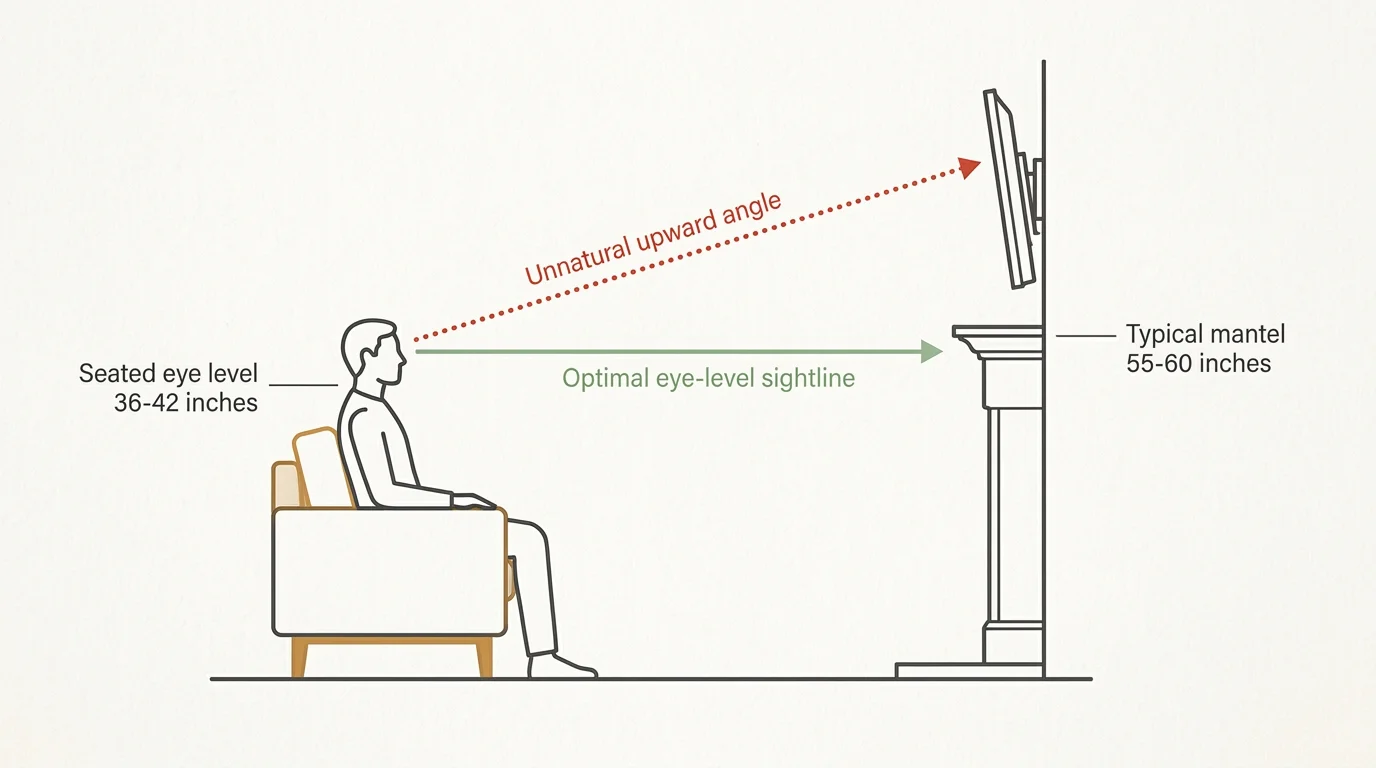
Mounting a flat screen high above a fireplace mantel remains one of the most common TV mounting mistakes in modern living rooms. While placing a television over a hearth seems like a logical way to consolidate focal points, it forces your eyes and neck into an unnatural upward angle; average seated eye level sits between 36 and 42 inches above the finished floor, whereas a typical mantel sits 55 to 60 inches high. This elevation causes cervical strain during extended viewing sessions and disrupts the visual equilibrium of your room. When deciding where to mount your TV, aim to position the center of the display as close to seated eye level as possible. If an above-mantel location is your only architectural option, install a drop-down dynamic wall mount that lowers the screen during use, or opt for a motorized art cover that hides the panel when idle, preserving the hearth’s classic aesthetic.
2. Ignoring Ambient Light and Window Glare
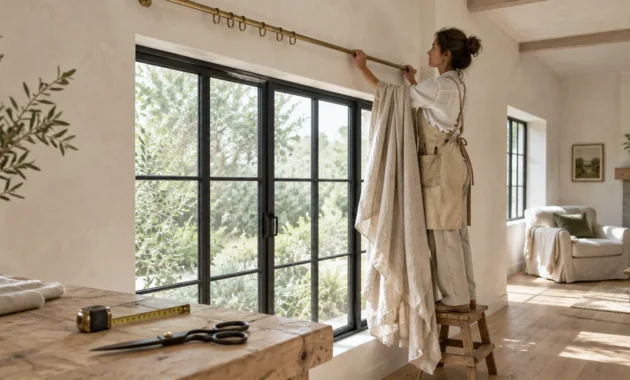
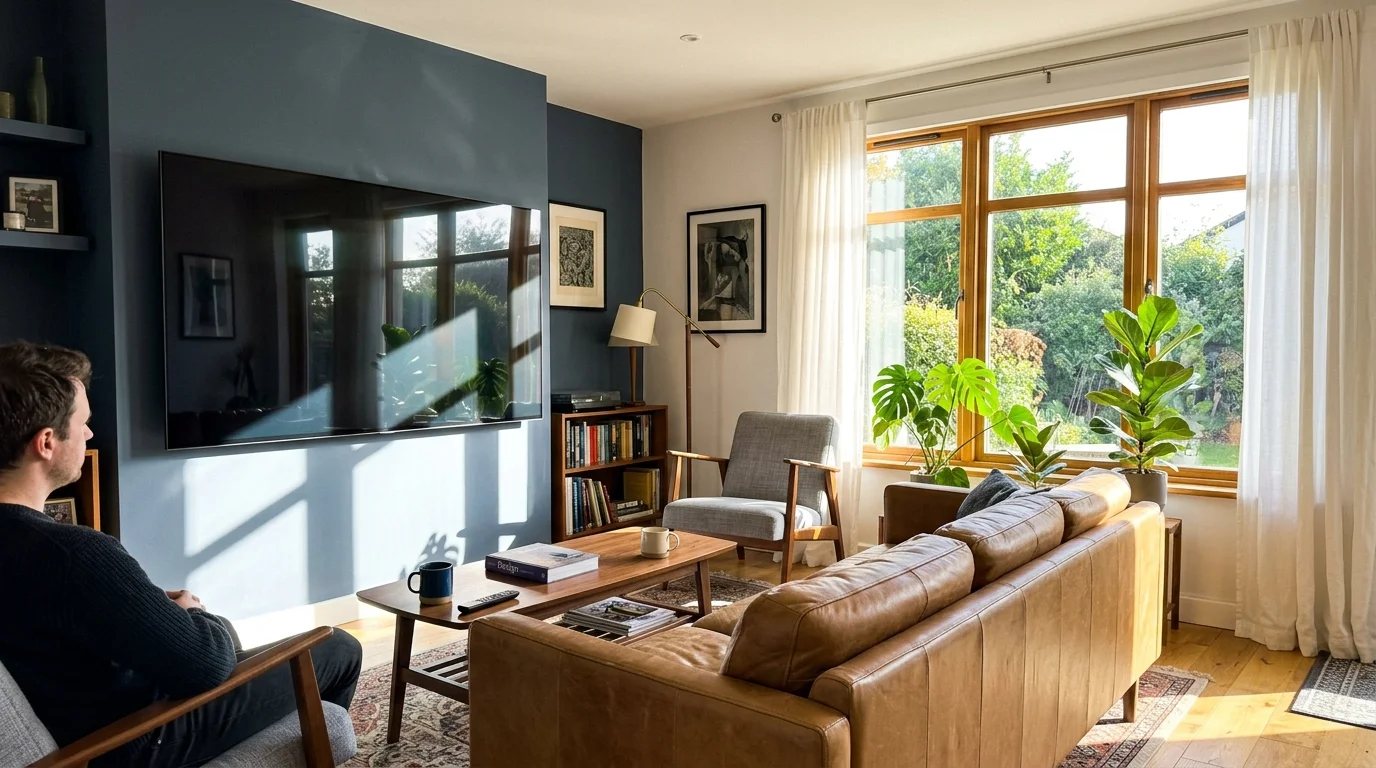
Placing a television directly across from unshaded south- or west-facing windows ruins image clarity and forces you to bump display brightness to maximum levels. Direct sunlight causes specular reflection across glass panels, washing out black levels and distorting color fidelity—a frustrating issue for OLED and LED screens alike. To solve this issue without sacrificing natural illumination, evaluate room orientation before finalizing your layout. Position your screen perpendicular to light sources whenever possible. You can also incorporate layered window treatments, such as automated solar roller shades paired with heavy linen drapery, to soften direct sunlight without darkening the entire space. Proper light management protects display performance while elevating the room’s atmosphere with rich, light-diffusing textiles.
3. Treating the Screen as the Uncontested Focal Point
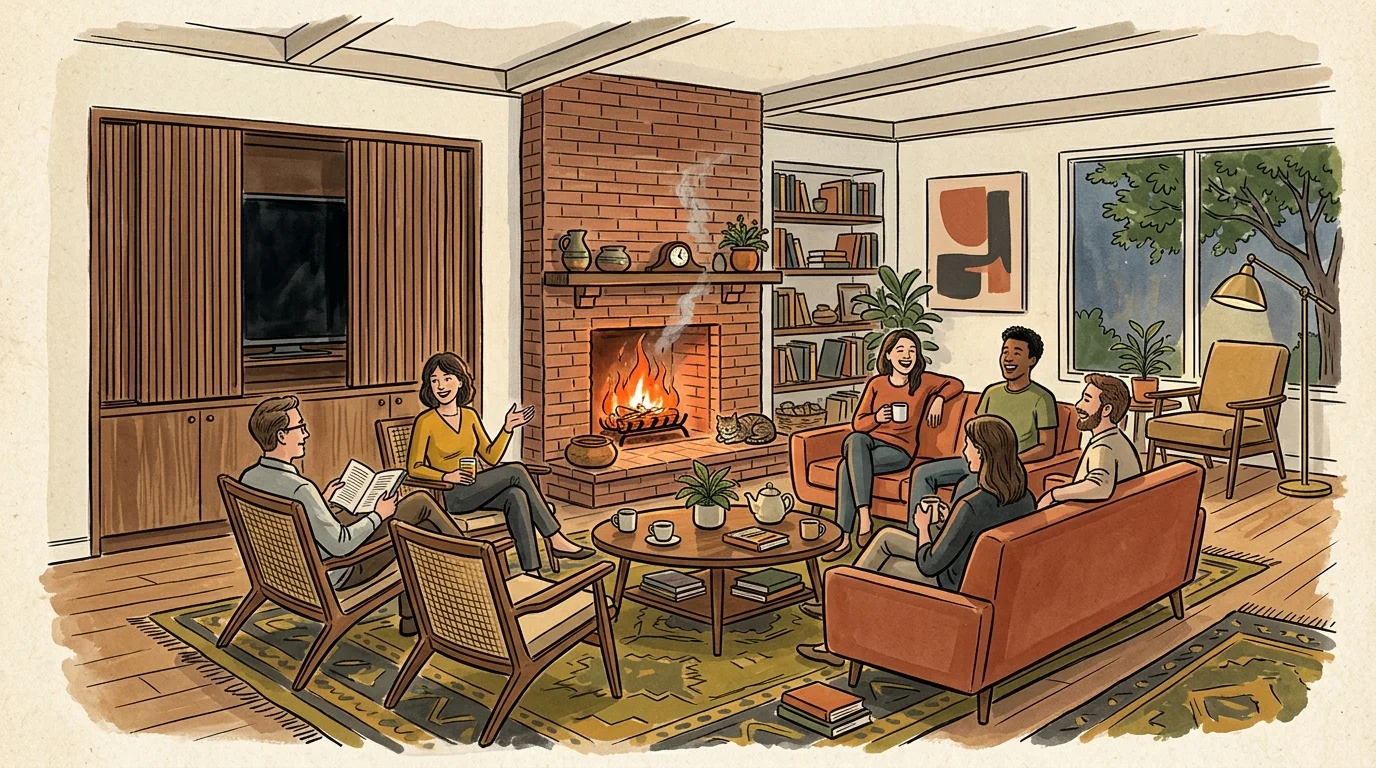
Arranging all your furniture around a massive black rectangle turns a sophisticated living area into a cold cinema hall. In high-end TV placement interior design, the screen should complement the room’s architecture rather than command it. When you make the television the sole center of attention, you underutilize natural view corridors, architectural fireplaces, and conversational seating arrangements. Instead, select multi-functional layouts that allow seating to pivot naturally between conversation and screen viewing. Consider concealing your display within built-in joinery, behind pocket doors, or behind motorized sliding canvas art. By treating media hardware as an adaptable feature rather than a permanent shrine, you preserve room elegance and maintain architectural integrity.
4. Miscalculating Viewing Distance and Screen Scale
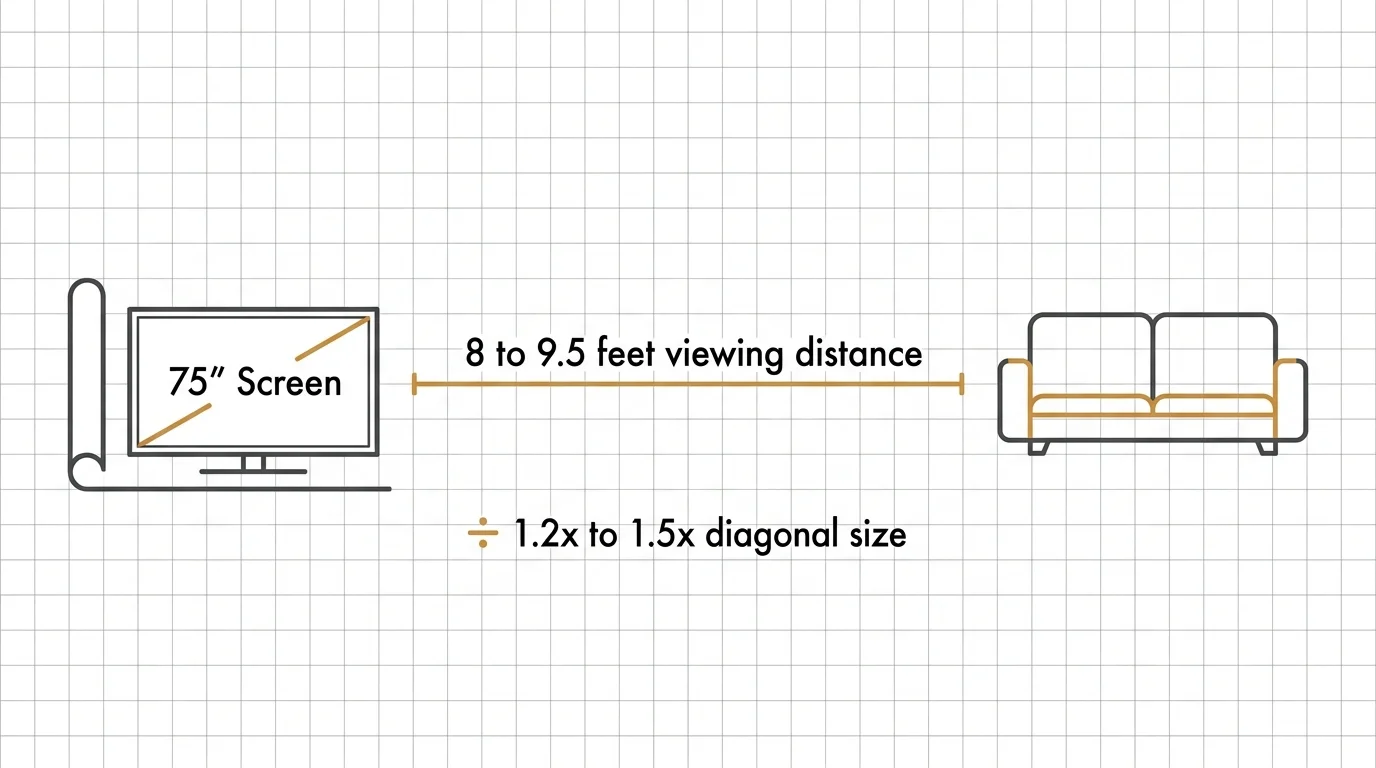
Selecting an oversized display for a compact room—or a tiny panel for a vast open-plan space—creates immediate spatial disharmony. An improperly scaled display breaks the golden ratios of interior design and induces visual fatigue. For optimal 4K UHD viewing, calculate your seating distance by multiplying the screen’s diagonal size by 1.2 to 1.5; for instance, a 75-inch screen ideally requires an 8- to 9.5-foot viewing distance. Placing a massive display too close to a sofa creates an overwhelming, claustrophobic feel, while placing a small screen across a large room leaves the wall looking empty and disjointed. Match your screen size to both sightlines and the surrounding furniture dimensions to achieve visual harmony.
5. Exposing Tangled Cords and Cable Chaos
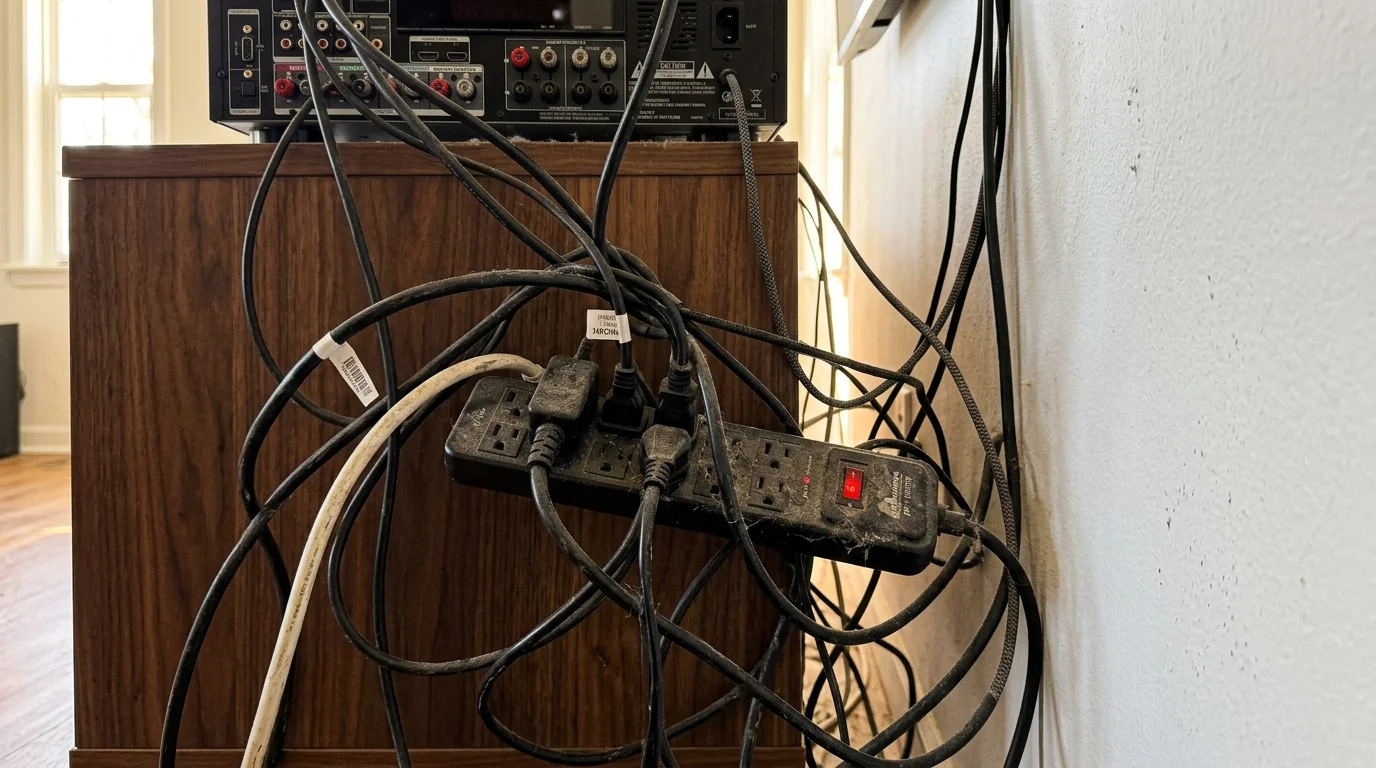
Exposed wires, dangling HDMI cords, and visible power strips immediately destroy the sleek aesthetic of a well-curated space. Exposed hardware draws the eye away from fine finishes like Venetian plaster, lime-wash walls, or custom wood paneling. Resolving cable clutter requires proactive planning during design or renovation. Install an in-wall recessed media box behind the TV location to house power outlets and cable pass-throughs cleanly inside the wall cavity. If cutting into drywall isn’t feasible, use paintable wire raceways matched to your wall paint, or integrate a low-profile media credenza with internal cable routing channels to keep cords hidden and organized.
6. Floating the Television Without Anchoring Furniture
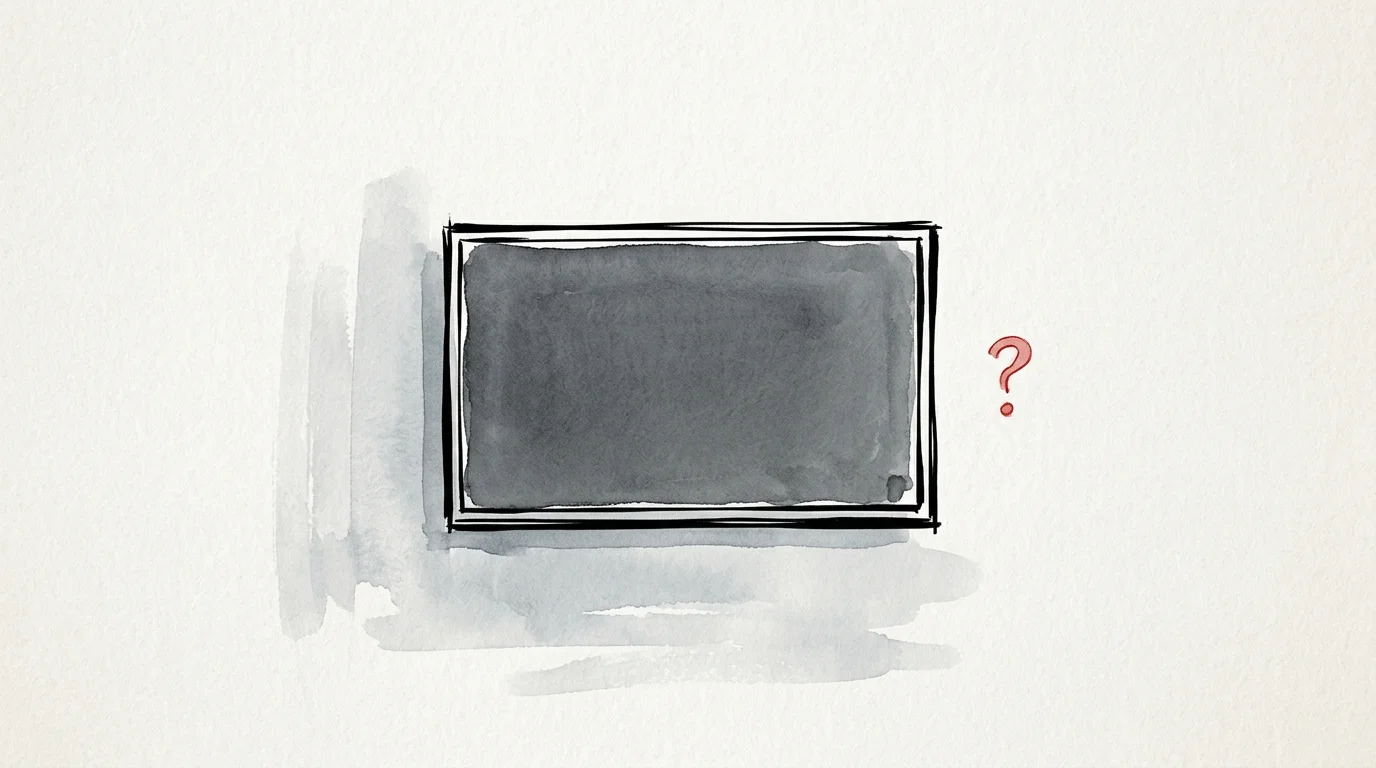
Wall-mounting a flat screen on a vast, blank expanse of drywall without any grounding furniture beneath it creates a stark, unbalanced visual effect. A floating display without a foundation looks visually orphaned, leaving the lower half of your wall feeling empty and incomplete. Anchor your screen by pairing it with a credenza, low console, or built-in floating bench beneath it. The grounding furniture piece should extend at least 10 to 15 percent wider than the screen on both sides; this proportion anchors the display visually and balances the room’s vertical mass. Decorate the surface with low-profile ceramic vases, books, or sculptural objects to create a layered, organic transition between furniture and technology.
7. Neglecting Acoustic Hard Surfaces and Sound Dynamics
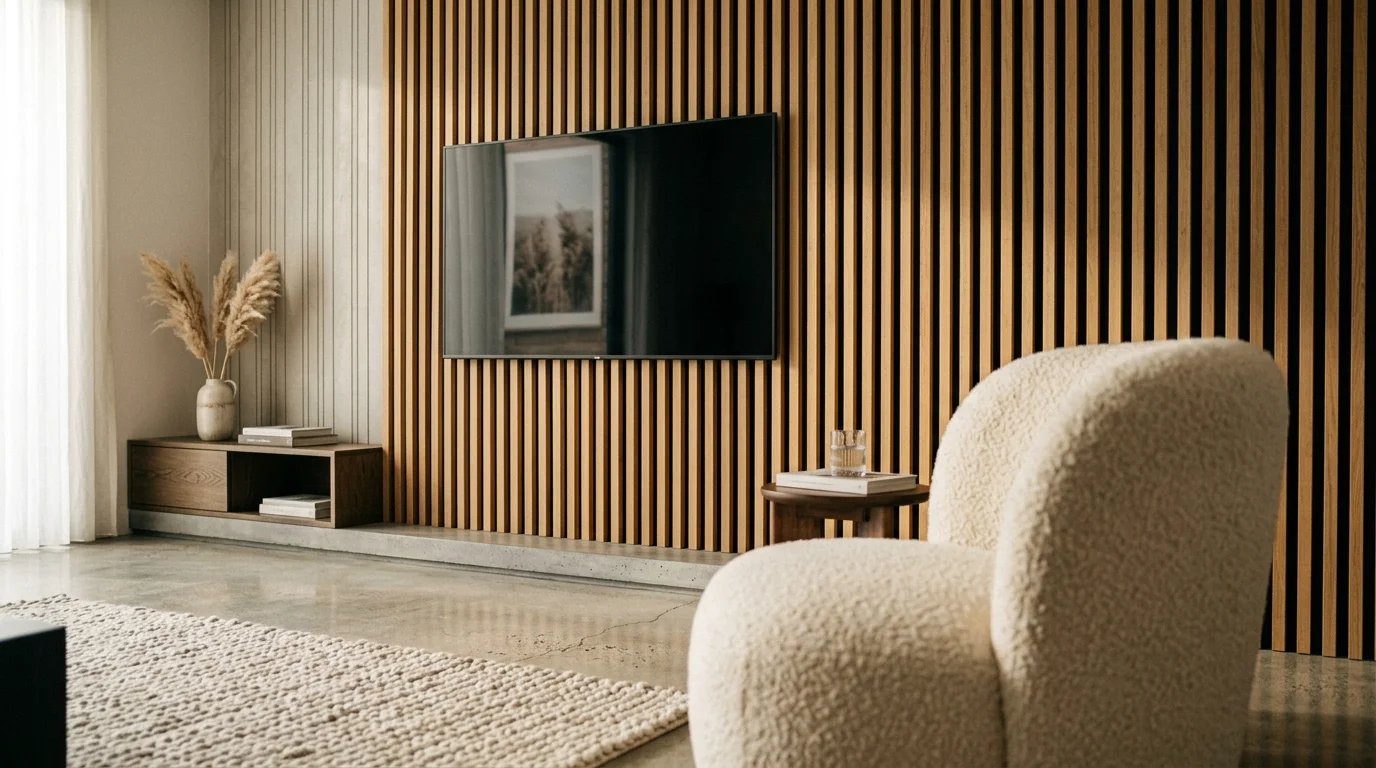
Focusing entirely on screen visual placement while ignoring sound acoustics creates a hollow, echoing media environment. Modern open-concept living rooms featuring hardwood floors, concrete walls, and large glass windows reflect sound waves, muddying dialogue and forcing higher volume levels. When planning the best TV placement living room layout, consider acoustic dampening along with sightlines. Soften hard architectural surfaces by placing plush wool area rugs, textured bouclé seating, and heavy drapes nearby. You can also install decorative acoustic wood-slat wall panels behind or adjacent to your display; these panels absorb sound reflection while introducing natural timber textures that embrace biophilic design principles.
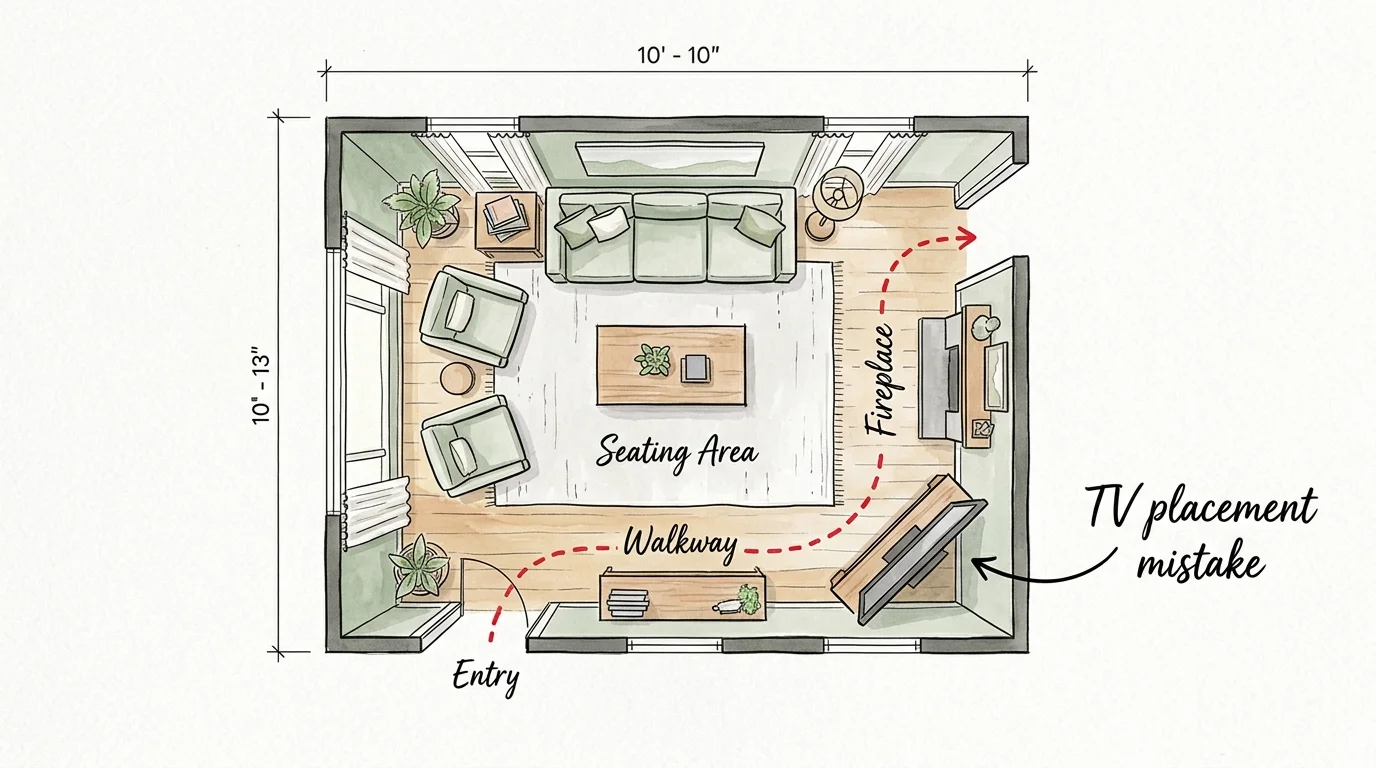
8. Awkward Corner Stashing That Disrupts Room Flow
Angling a television diagonally into a room corner remains an outdated spatial solution that wastes floor space and disrupts architectural symmetry. Corner placement creates an awkward triangular dead zone behind the display that collects dust and leaves cords visible from side angles. It also restricts seating arrangements, forcing furniture into unnatural diagonal orientations that disrupt traffic pathways. Instead of tucking a screen into a corner, position it flush against a primary wall or integrate it within a custom media wall unit. If a corner layout is unavoidable due to architectural constraints, use an articulated full-motion wall bracket that lets the display fold flat against the wall when not in use.
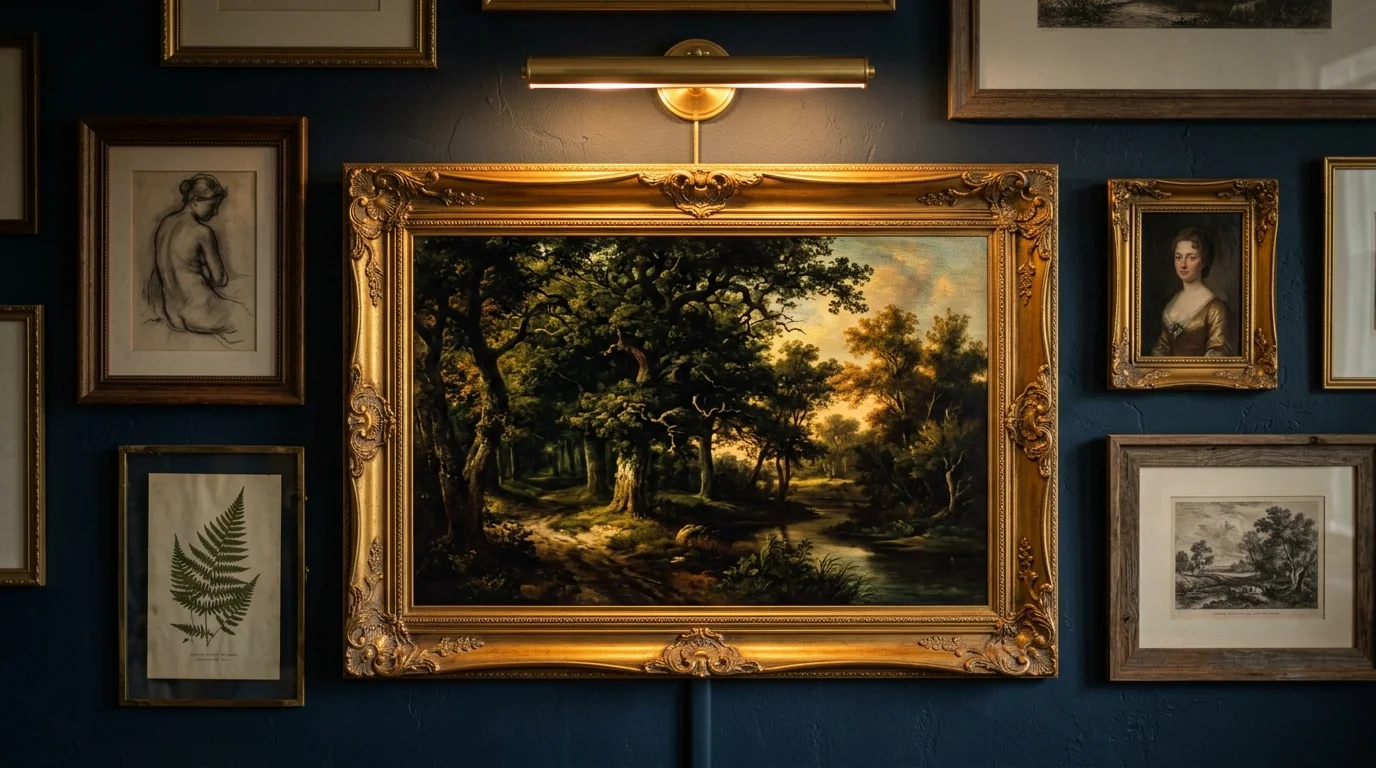
9. Overlooking Art-Mode Integration and Gallery Framing
Leaving a large black screen blank while turned off leaves a dark, lifeless void on your wall. Incorporating modern display tech—such as ambient art modes and custom framing—transforms a cold electronic device into dynamic art. Leaving the display plain overlooks an opportunity to enhance your interior décor. Upgrade your setup by opting for ambient display screens, custom wood frames, or digital matting that showcases high-resolution artwork or photography when you aren’t watching television. Frame your display as part of a curated gallery wall, surrounding it with framed oil paintings, sketches, or architectural photography to blend the digital screen seamlessly with physical artwork.
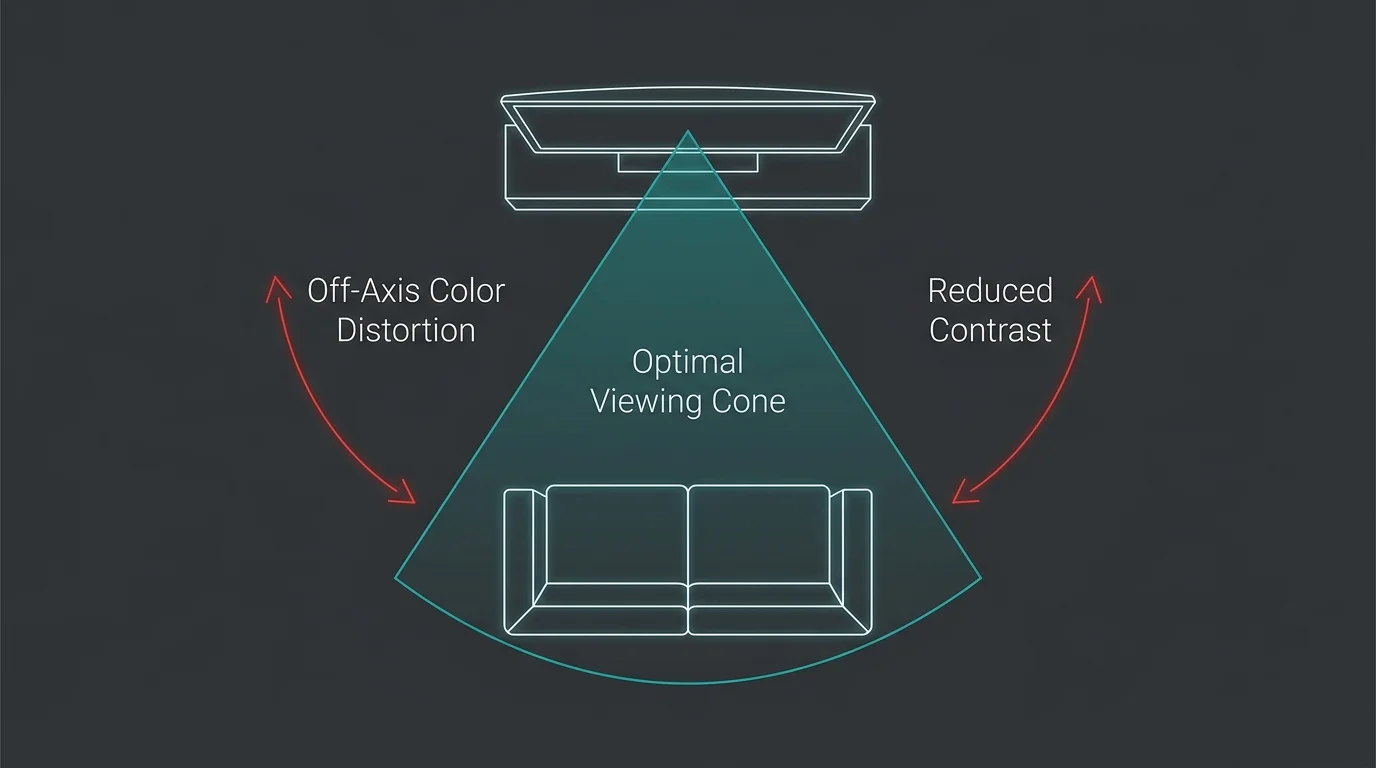
10. Disregarding Viewing Angles and Sightline Ergonomics
Mounting a television off-center from primary seating without considering viewing angles degrades picture quality for side viewers. Standard LED screens suffer from color washing and contrast loss when viewed from steep off-axis positions. Furthermore, forcing guests to turn their heads at awkward angles causes neck discomfort during movie nights. To eliminate off-angle viewing issues, evaluate primary and secondary seating positions carefully. Install a full-motion articulated wall mount that swivels toward different seating zones as needed, or select an OLED display panel that maintains consistent color accuracy from extreme viewing angles. Aligning viewing angles with room seating ensures a comfortable, high-performance entertainment experience for everyone in the room.
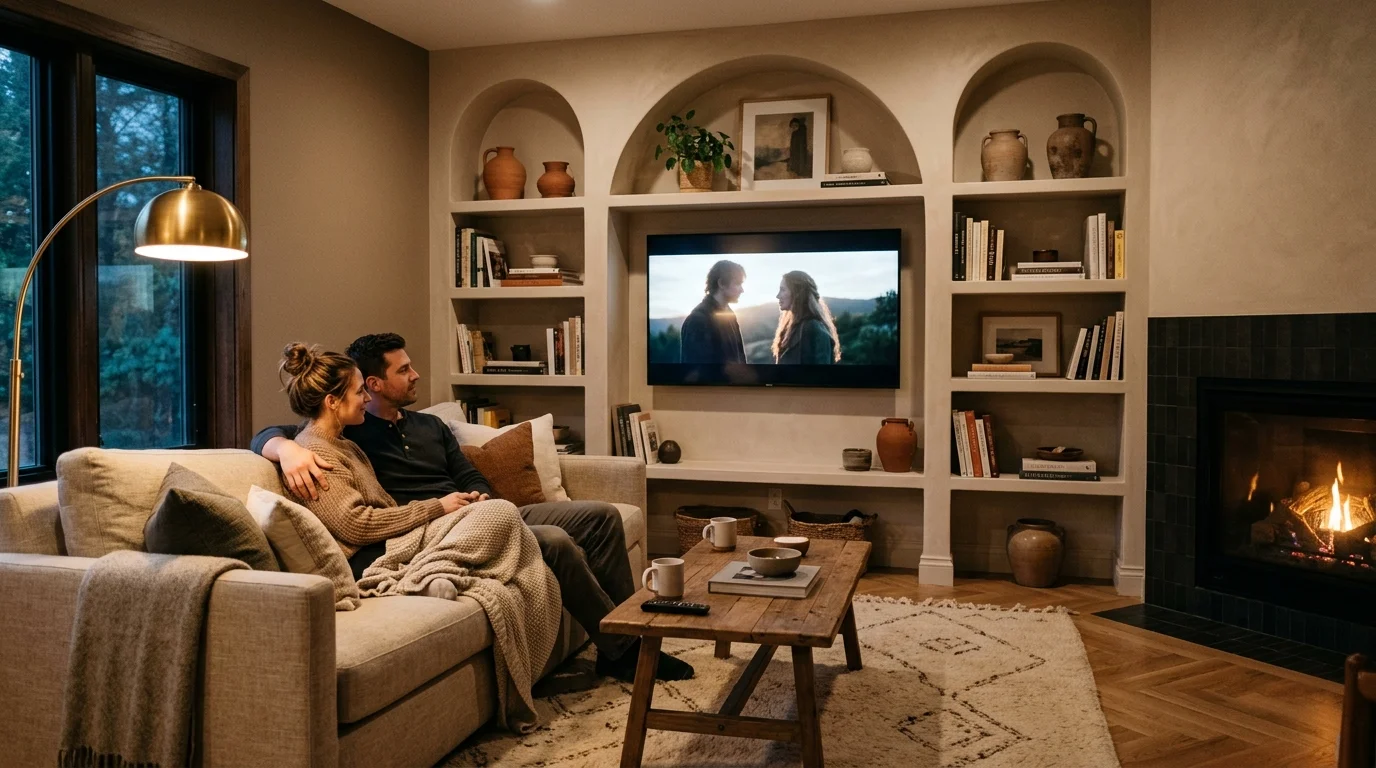
The Big Picture: Weaving These Trends into Your Home
Correcting TV placement mistakes goes far beyond simple tech setup; it is a fundamental aspect of cohesive, sophisticated interior design. By harmonizing television scale, ergonomic mounting height, hidden cable management, and surrounding furniture proportions, you transform a potential design eyesore into an integrated architectural element. Design your space so that technology supports your lifestyle without compromising your aesthetic vision, whether you favor warm minimalist spaces or traditional layered interiors.
For the latest color forecasts, consult industry leaders like Pantone and paint companies like Benjamin Moore. For professional design standards, refer to the American Society of Interior Designers (ASID).
Disclaimer: This article reflects design trend analysis and predictions. Personal taste and timeless design principles should always guide your decorating choices.
Frequently Asked Questions
How high off the floor should I mount my television for optimal viewing ergonomics?
Mount your television so that the center of the screen sits at eye level when you are seated—typically between 40 and 42 inches from the floor to the center of the display. This ergonomic standard prevents neck strain and provides a comfortable, natural viewing posture during extended watch times.
How can I hide a television in a living room without built-in cabinetry?
You can hide a screen using digital artwork mode features, motorized artwork canvases, folding decorative screens, or tinted mirror glass overlays. These solutions keep technology hidden behind curated art or reflective surfaces until you power the television on.
What is the ideal distance between a sofa and a 65-inch screen?
For a 65-inch 4K UHD screen, maintain a viewing distance between 6.5 and 8 feet. This range places you within the display’s optimal field of view, delivering immersive picture detail without causing visual fatigue or eye strain.
How do I manage glare on a TV in a brightly lit room?
Position the screen perpendicular to major light sources rather than facing them directly. Combine anti-reflective display panels with flexible window treatments—such as motorized solar shades or double-sheer drapery—to diffuse direct sunlight while preserving natural ambient room light.